What this cancellation & no-show policy does for chiropractors and office managers
An editable Word + PDF template built for chiropractic offices, associate doctors, and front-desk teams.
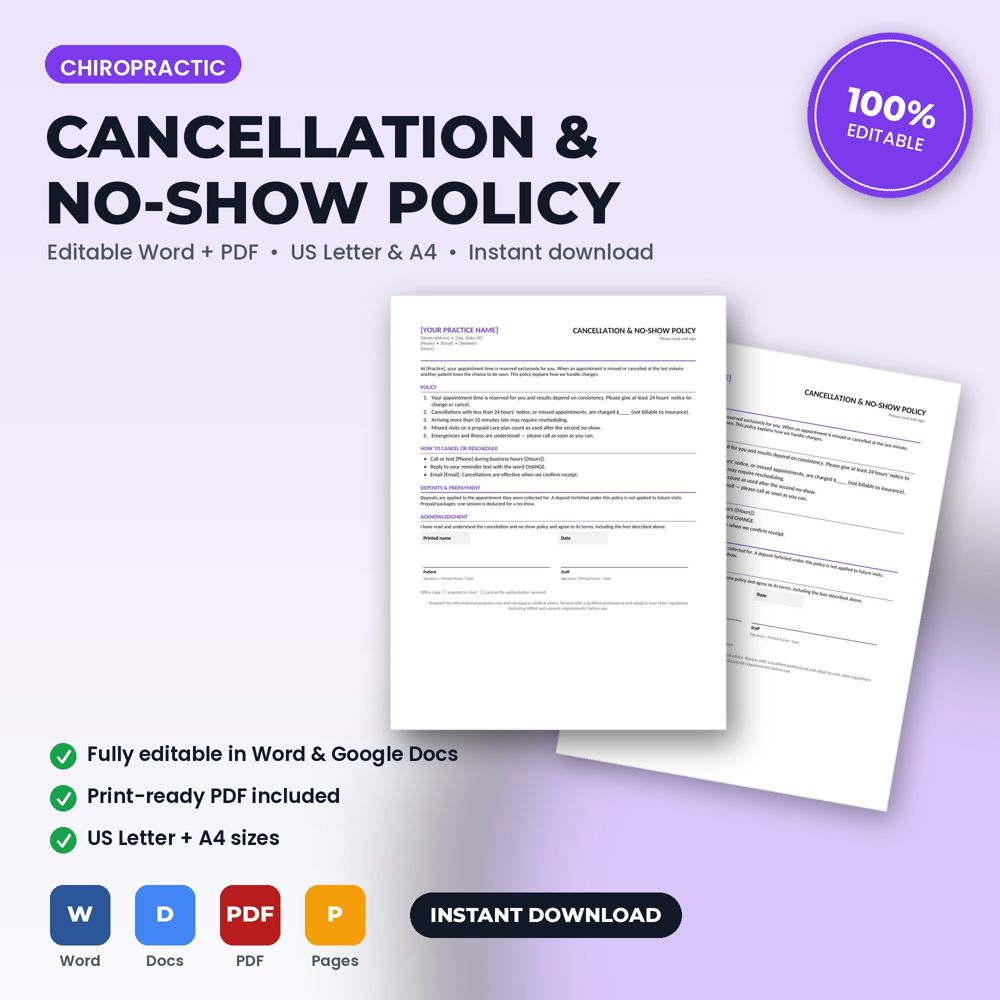
This template states notice periods, fees, deposit and package rules, how to cancel, and a signed acknowledgment so no-show fees are enforceable. Open it in Word or Google Docs, replace the bracketed placeholders with your name, logo, prices, and terms, and it's ready to use.
Every missed appointment is lost revenue that cannot be recovered. A signed policy, explained at intake and reinforced by reminder messages, changes behavior: patients who know a fee exists reschedule instead of disappearing. Practices that implement a policy properly typically see missed appointments drop substantially within one quarter.
The policy also protects staff. When the fee is written and signed, the front desk enforces a rule rather than negotiating a penalty.
What is inside the template
- Notice period for cancellations and rescheduling
- Late-cancellation and no-show fees, with first-occurrence grace option
- Deposit or card-on-file authorization
- Late-arrival handling and repeated no-show consequences
- Emergency exceptions and how to cancel
- Acknowledgment signature and date
How to use it (step by step)
- Choose your notice period (24 or 48 hours) and fee, and whether to waive the first occurrence.
- Include the policy in the new-patient packet and mention it in confirmation messages.
- Apply it consistently; inconsistency destroys the policy.
Common mistakes this template helps you avoid
- Having a policy but never charging the fee.
- Setting a fee so high it damages relationships; a moderate, consistent fee works better.
- Not pairing the policy with reminder messages.
Expert tips from the field
- Offer a waitlist text so cancelled slots are refilled; the policy and the waitlist together nearly eliminate the cost of cancellations.
- Track no-shows by day and time; patterns usually point to a scheduling fix.
Why chiropractors and office managers choose this over a generic template
Generic forms are written for nobody in particular. This one was written for chiropractic practices: the fields, wording and clauses reflect real chiropractic office work such as a new-patient exam and first adjustment or a corrective-care plan of 24 visits. It uses plain language patients can read, it has a header block for your logo and license number, and it matches the other Chiropractic Office templates in the set so your intake, consent, policy and checklist documents look like one system.
Explore the full Chiropractic Office template collection and paperwork guide, or see how it fits with the related documents below.