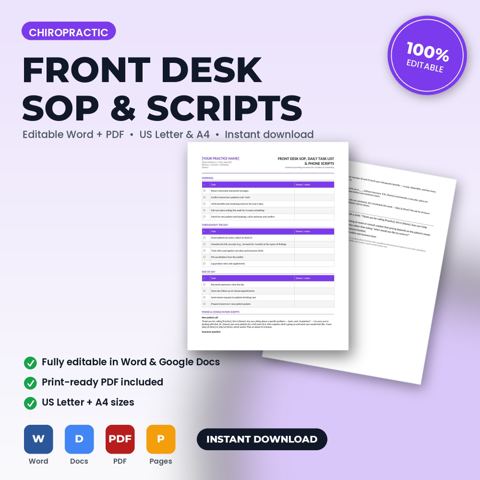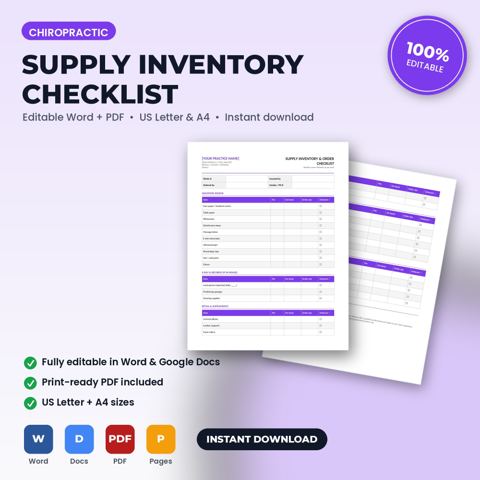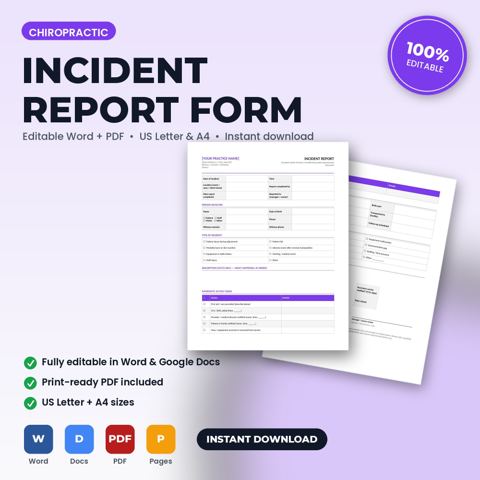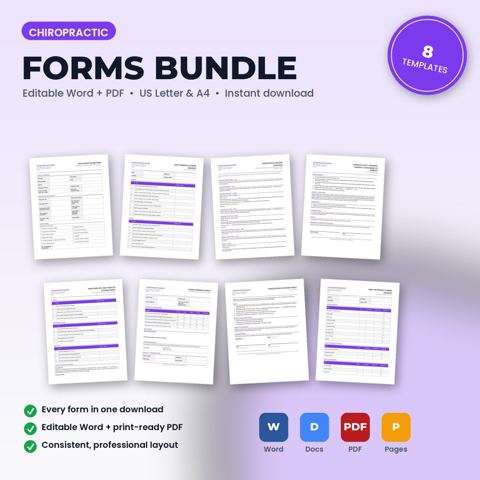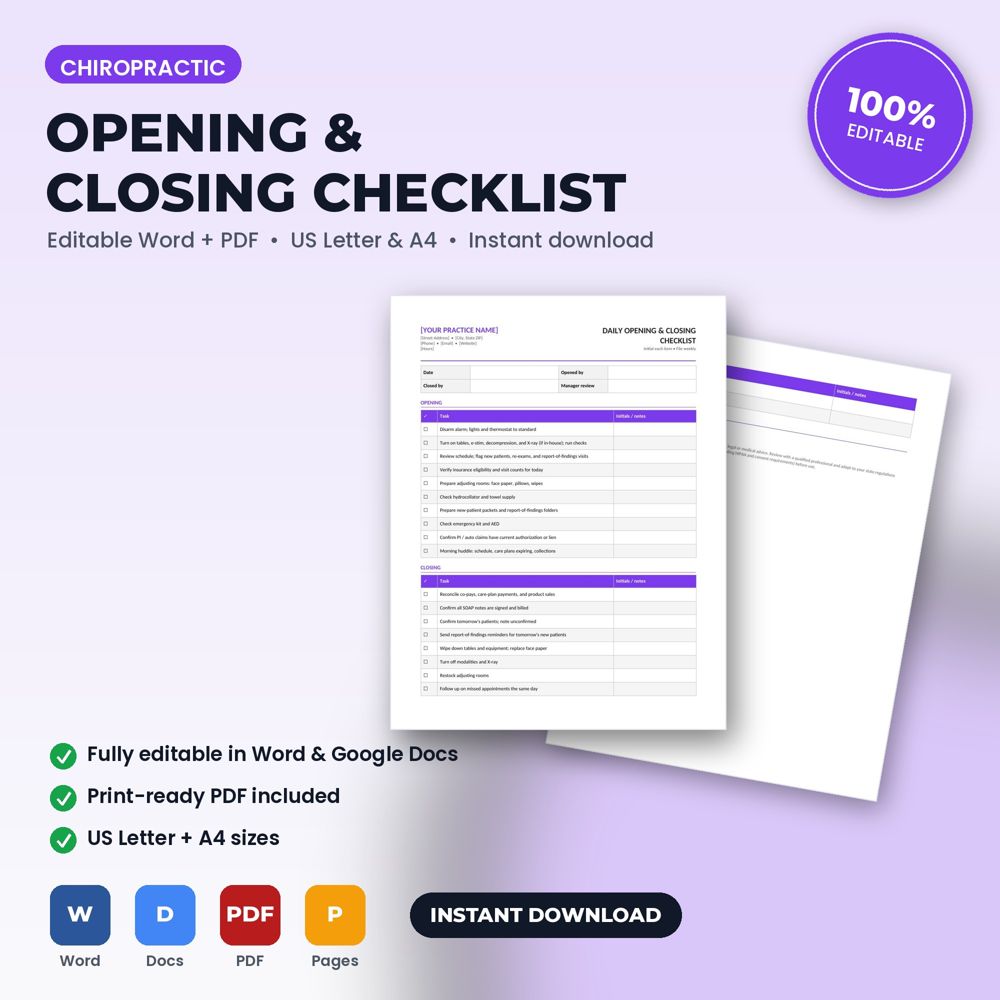
What this opening & closing checklist does for chiropractors and office managers
An editable Word + PDF template built for chiropractic offices, associate doctors, and front-desk teams.
This template gives your team an initial-and-file opening and closing routine covering equipment, schedule review, sterilization/sanitation, deposits, and end-of-day security. Open it in Word or Google Docs, replace the bracketed placeholders with your name, logo, prices, and terms, and it's ready to use.
Openings and closings are where small things go wrong: equipment left on, cash unreconciled, doors unlocked, supplies not restocked, logs not signed. A checklist makes the routine identical regardless of who opens or closes and provides a record if something is later found wrong.
It is also the fastest training document you have. A new team member can open or close correctly on day one by following the list.
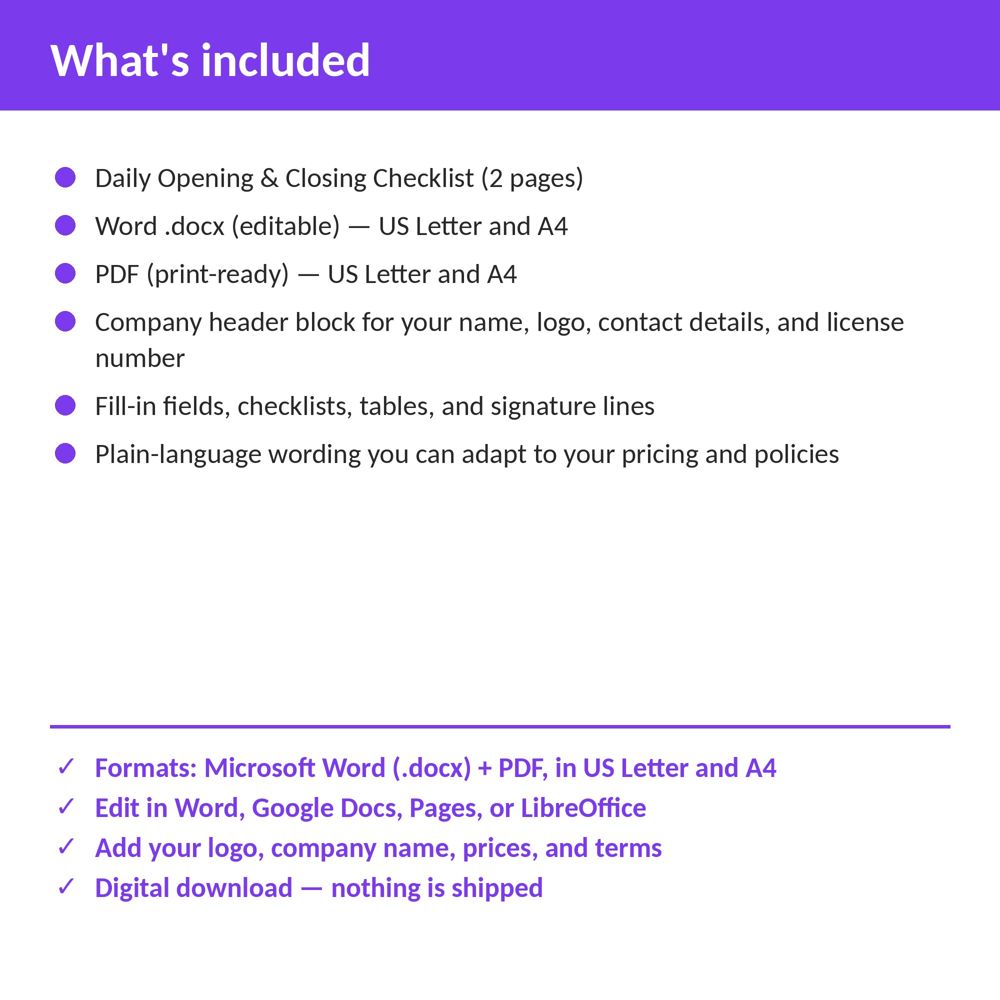
What is inside the template
- Opening sequence: security, systems, equipment, supplies, cleanliness, schedule review
- Closing sequence: reconciliation, equipment shutdown, sanitation, waste, security
- Chiropractic Office-specific items (equipment, logs, storage)
- Initials, time and notes columns
- Weekly and monthly task add-ons
How to use it (step by step)
- Edit the items to match your space and equipment.
- Print a pad or laminate and use a dry-erase marker; keep completed sheets for one month.
- Review missed items weekly with the team.
Common mistakes this template helps you avoid
- Making the list so long it is ignored; keep it to what actually matters.
- Not assigning an owner for each shift.
Expert tips from the field
- Add a 'first appointment prep' line to the opening list; it improves the first patient's experience every day.
- Rotate who opens and closes so the whole team knows the routine.
Why chiropractors and office managers choose this over a generic template
Generic forms are written for nobody in particular. This one was written for chiropractic practices: the fields, wording and clauses reflect real chiropractic office work such as a new-patient exam and first adjustment or a corrective-care plan of 24 visits. It uses plain language patients can read, it has a header block for your logo and license number, and it matches the other Chiropractic Office templates in the set so your intake, consent, policy and checklist documents look like one system.
Explore the full Chiropractic Office template collection and paperwork guide, or see how it fits with the related documents below.