What this complete kit does for dentists and dental office managers
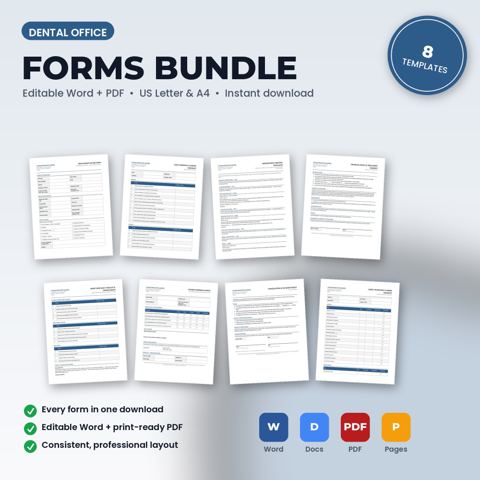
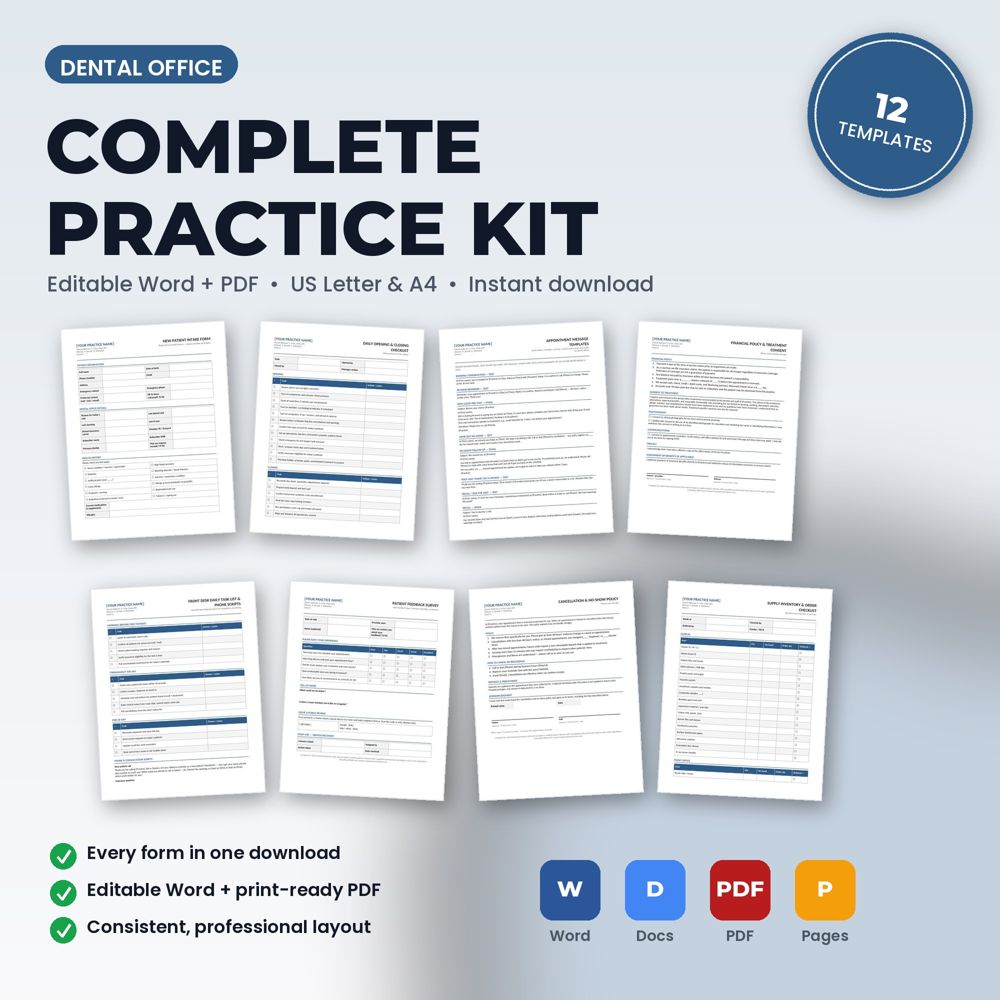
12 editable Word + PDF templates for dental practices, office managers, and front-desk teams, in one download.
Bought separately these templates cost $117.88. The kit is $69.99.
The complete kit exists for businesses that want the entire paperwork and compliance system at once: patient-facing forms, internal SOPs and checklists, policies, staff agreements and incident reporting. It is the fastest way to go from scattered documents to a matched, professional set.
Because everything is included, there are no gaps: the front desk, the technicians or clinicians and the owner each get the documents they need, with consistent branding and wording.
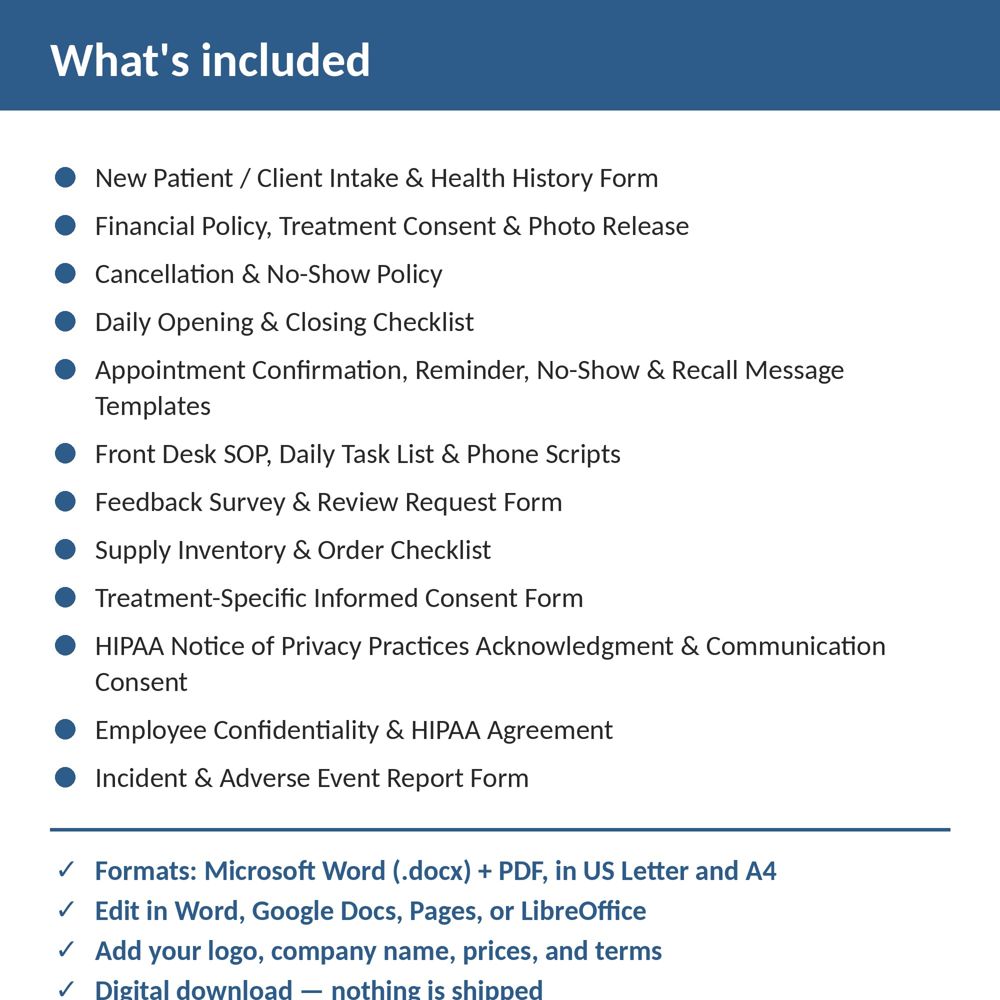
Templates included
- New Patient / Client Intake & Health History Form
- Financial Policy, Treatment Consent & Photo Release
- Cancellation & No-Show Policy
- Daily Opening & Closing Checklist
- Appointment Confirmation, Reminder, No-Show & Recall Message Templates
- Front Desk SOP, Daily Task List & Phone Scripts
- Feedback Survey & Review Request Form
- Supply Inventory & Order Checklist
- Treatment-Specific Informed Consent Form
- HIPAA Notice of Privacy Practices Acknowledgment & Communication Consent
- Employee Confidentiality & HIPAA Agreement
- Incident & Adverse Event Report Form
What is inside the template
- Every Dental Office document in the store as editable .docx and print-ready PDF, US Letter and A4
- Spreadsheets in .xlsx where the vertical includes them
- Quick-start README with a suggested rollout order
How to use it (step by step)
- Unzip and read the README rollout plan.
- Set up the header once and apply it across the set.
- Roll out patient-facing forms first, then internal SOPs and checklists, then policies and staff agreements.
Common mistakes this template helps you avoid
- Trying to launch every document on day one; follow the rollout order.
- Skipping the internal documents (SOPs, checklists) because they are not patient-facing; they produce the consistency patients notice.
Expert tips from the field
- Assign an owner to each document and a yearly review date.
- Keep a change log in the README so the team knows which version is current.
Why dentists and dental office managers choose this over a generic template
Generic forms are written for nobody in particular. This one was written for dental practices and dental offices: the fields, wording and clauses reflect real dental office work such as a new-patient exam with full-mouth X-rays or a crown prep and seat. It uses plain language patients can read, it has a header block for your logo and license number, and it matches the other Dental Office templates in the set so your intake, consent, policy and checklist documents look like one system.
Explore the full Dental Office template collection and paperwork guide, or see how it fits with the related documents below.