What this appointment message templates does for dentists and dental office managers
An editable Word + PDF template built for dental practices, office managers, and front-desk teams.
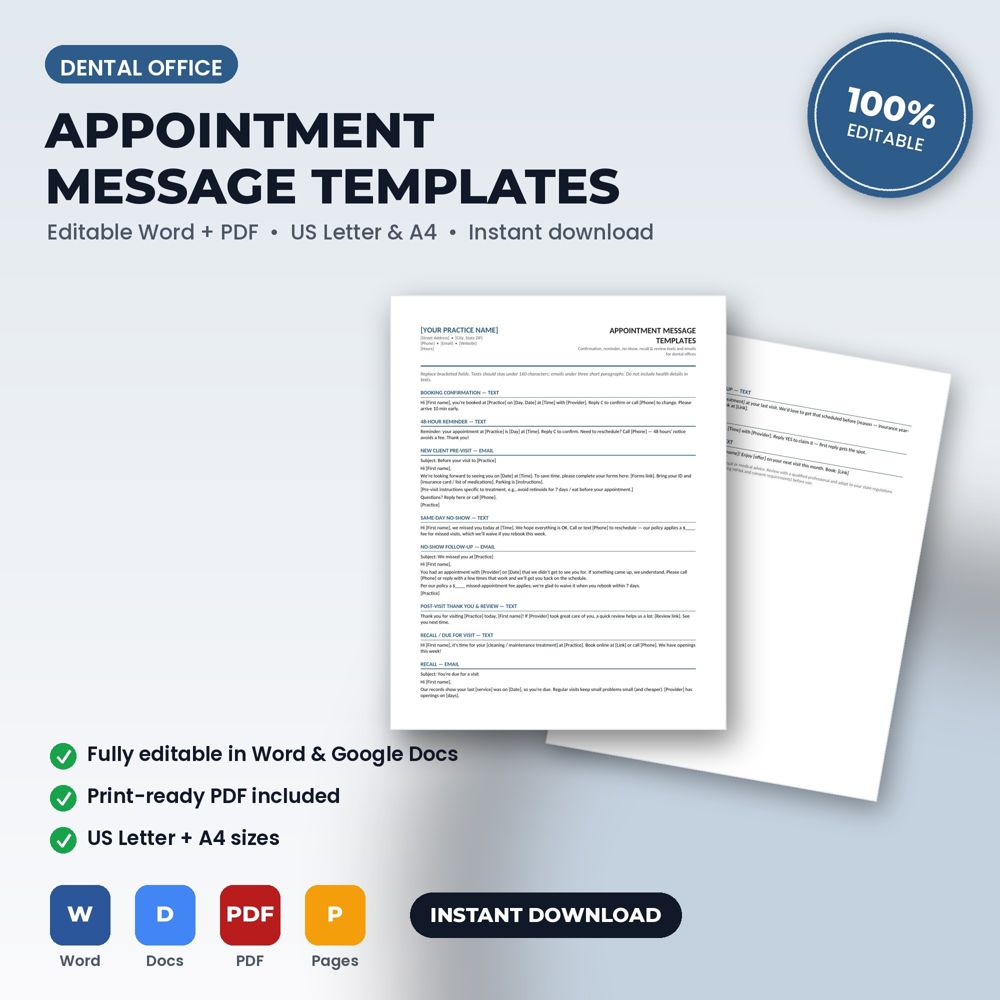
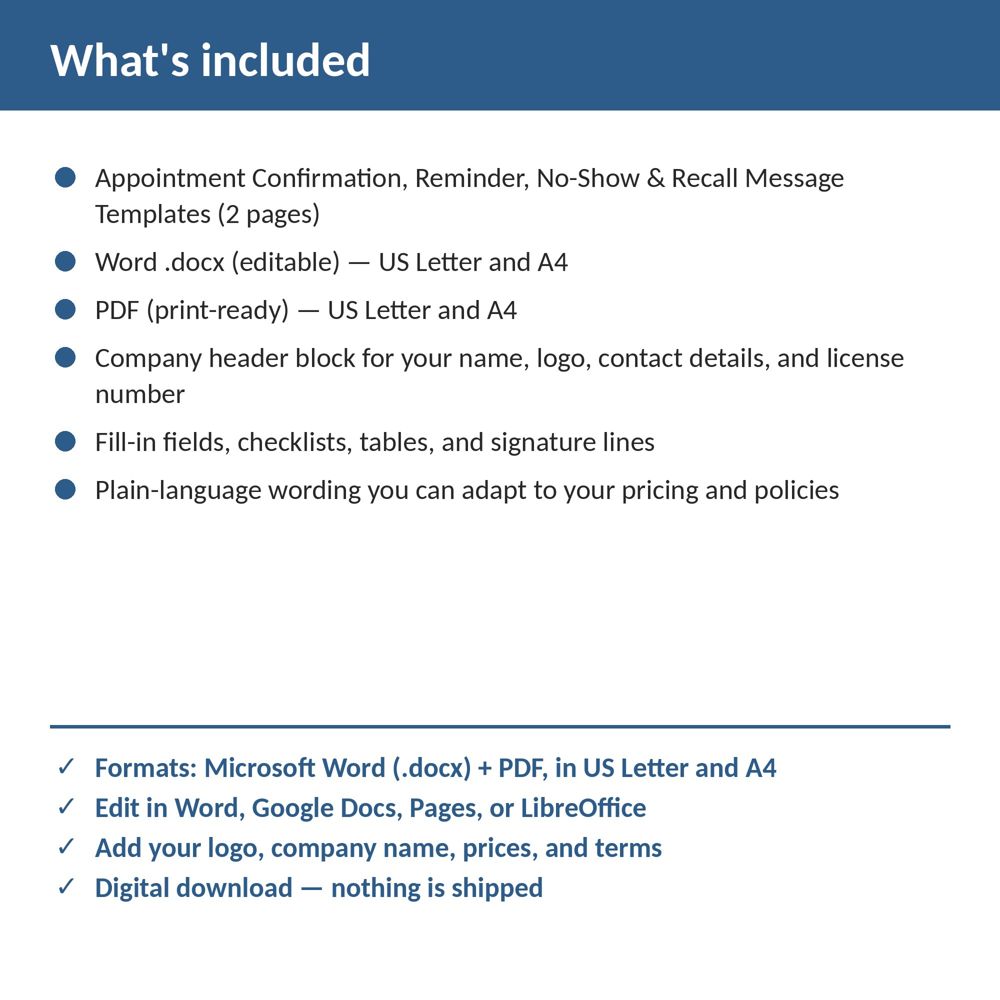
This template provides 13 ready-to-send text and email templates: booking confirmation, 48-hour reminder, new-client pre-visit, no-show follow-ups, review request, recall, unscheduled treatment, waitlist, and birthday. Open it in Word or Google Docs, replace the bracketed placeholders with your company name, logo, prices, and terms, and it's ready to use on your next job.
Reminders are the single most effective no-show reduction tool and recall messages are the cheapest revenue a practice can generate. Both fail when someone has to write them from scratch. Templates make them a copy-paste task that happens every day.
Consistent, friendly messaging also shapes how patients perceive the practice before they walk in.
What is inside the template
- Booking confirmation (text and email)
- 48-hour and 24-hour reminders with reschedule instructions
- Same-day and running-late messages
- No-show follow-up sequence
- Recall messages for overdue patients
- Policy reminders and review requests
- Placeholders for names, dates, links and practice details
How to use it (step by step)
- Replace placeholders with your practice name, phone, booking link and policy terms.
- Load into your practice software, phone or email templates.
- Follow the timing guide; adjust wording to your tone.
Common mistakes this template helps you avoid
- Sending only one reminder; two (48h and 24h) is the standard.
- Making it hard to reschedule, which turns reschedules into no-shows.
Expert tips from the field
- Mention the patient's goal or plan in recall messages; generic 'you are due' messages underperform.
- Send review requests within 24 hours of a good visit.
Why dentists and dental office managers choose this over a generic template
Generic forms are written for nobody in particular. This one was written for dental practices and dental offices: the fields, wording and clauses reflect real dental office work such as a new-patient exam with full-mouth X-rays or a crown prep and seat. It uses plain language patients can read, it has a header block for your logo and license number, and it matches the other Dental Office templates in the set so your intake, consent, policy and checklist documents look like one system.
Explore the full Dental Office template collection and paperwork guide, or see how it fits with the related documents below.