What this intake form does for home health agency owners and administrators
An editable Word + PDF template built for non-medical home care and home health agencies, care managers, and schedulers.
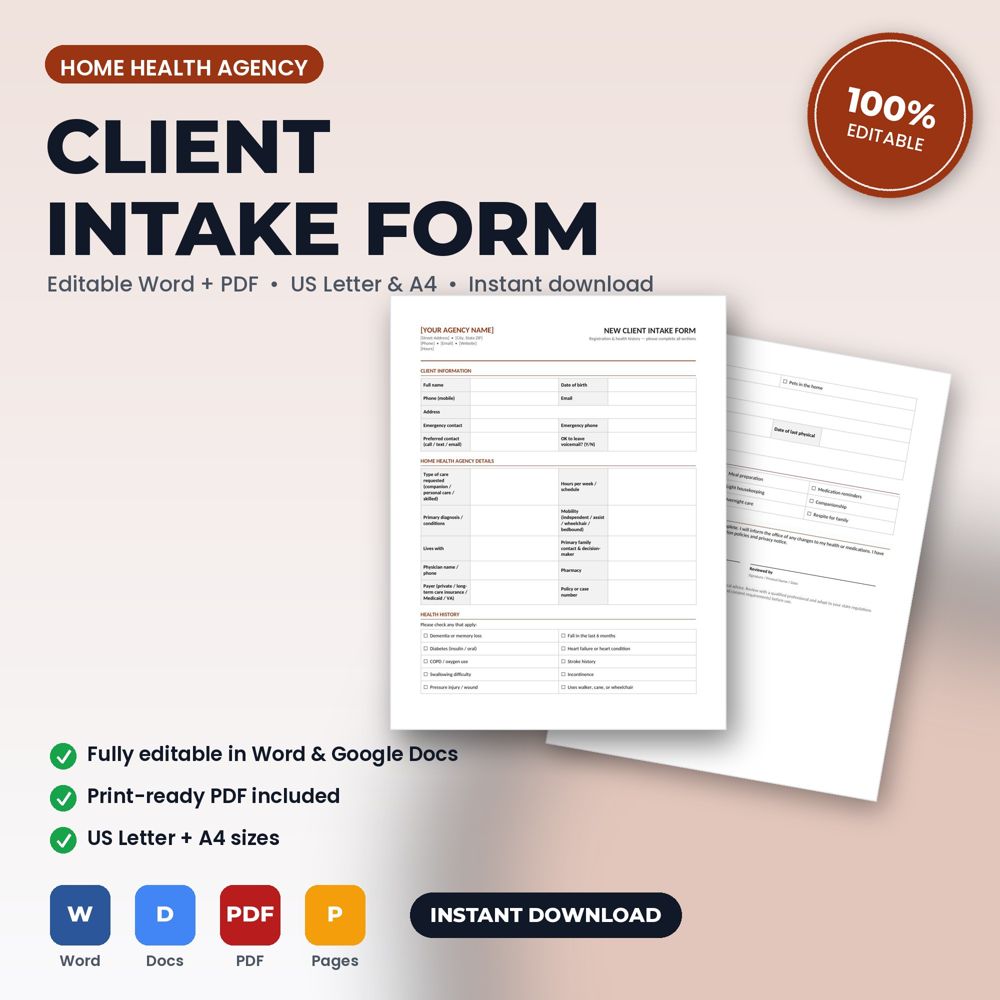
This template collects registration details, practice-specific questions (insurance or treatment goals), a check-box health history, medications and allergies, current concerns, and a signed acknowledgment. Open it in Word or Google Docs, replace the bracketed placeholders with your name, logo, prices, and terms, and it's ready to use.
The intake form is the first document in every client relationship and the one that feeds all the others. The details collected here (names, addresses, contact preferences, history, the reason for the call) flow directly onto the estimate, the agreement, the invoice and the follow-up messages. Get it right once and the rest of the paperwork fills itself in.
It also prevents wasted visits. Ten focused questions asked before a post-hospital-discharge care start tell a home health agency what to bring, how long to allow and what the client actually expects, and a signed authorization at the bottom prevents the most common dispute of all: 'I never agreed to that.'
What is inside the template
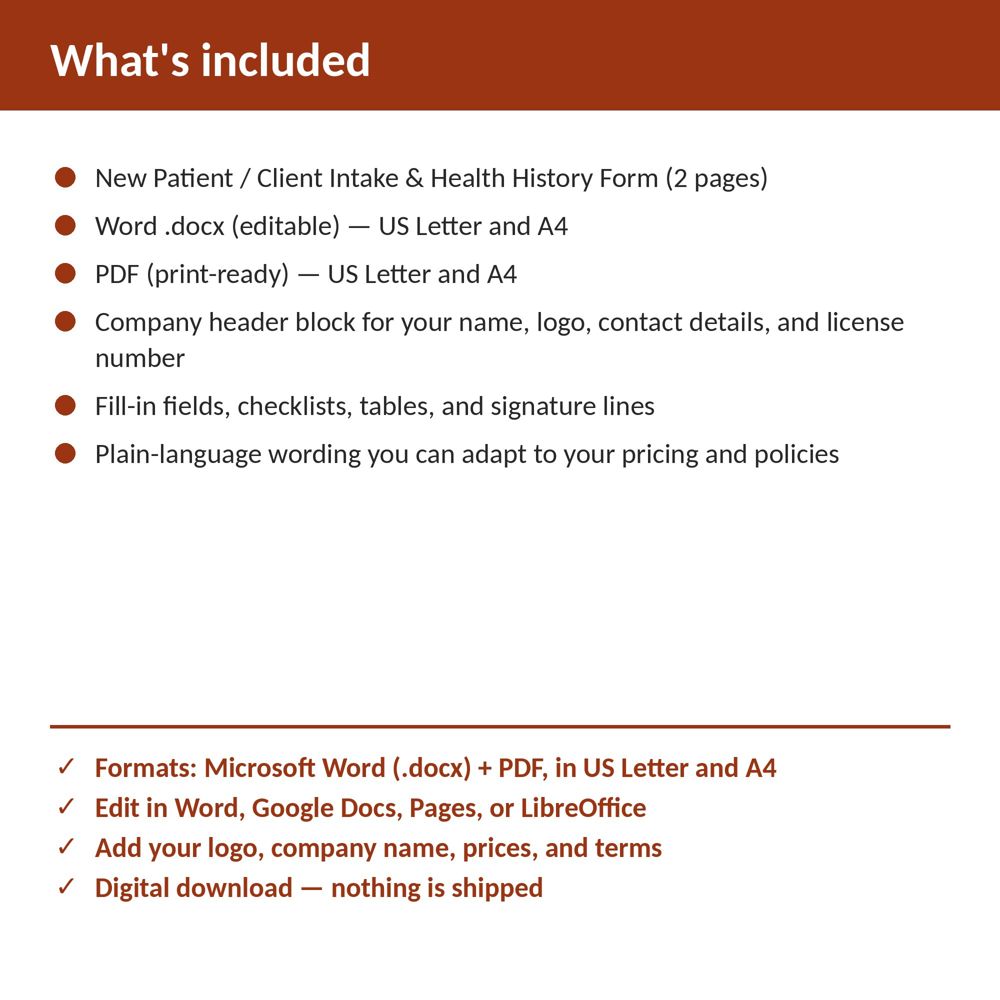
- Company header block for your name, logo, phone, email, website and license number
- Client contact and preferred-contact-method section
- Property, equipment or health-history section written for Home Health Agency work
- Reason for visit / chief complaint with structured checkboxes and free-text notes
- Scheduling, access and special-instruction fields
- Plain-language authorization statement with signature and date lines
How to use it (step by step)
- Open the .docx in Word or Google Docs and replace the bracketed placeholders in the header with your company details. Save this as your master copy.
- Decide how you will use it: printed on a clipboard, filled on a tablet, or sent as a PDF before the appointment.
- Collect it before the work starts. For phone bookings, the office can complete the top half and the client signs on arrival.
- Attach the completed form to the job record so the estimate and invoice reference the same details.
Common mistakes this template helps you avoid
- Asking for a signature without an authorization statement above it, which makes the signature meaningless.
- Using a generic form that skips the Home Health Agency-specific questions that determine what work is actually needed.
- Collecting the form after the job, when it no longer protects anyone.
Expert tips from the field
- Add a 'how did you hear about us' field. It is the cheapest marketing analytics you will ever run.
- Keep a one-page version for emergencies and a full version for scheduled first visits.
- Review the form once a year against the questions your team actually asks on the phone; the form should match reality.
Why home health agency owners and administrators choose this over a generic template
Generic forms are written for nobody in particular. This one was written for home health and home care agencies: the fields, wording and clauses reflect real home health agency work such as a new client assessment visit for personal care or a post-hospital-discharge care start. It uses plain language clients can read, it has a header block for your logo and license number, and it matches the other Home Health Agency templates in the set so your intake, consent, policy and checklist documents look like one system.
Explore the full Home Health Agency template collection and paperwork guide, or see how it fits with the related documents below.