What this follow-up & review scripts does for HVAC contractors
An editable Word + PDF template built for HVAC contractors and heating & cooling technicians.
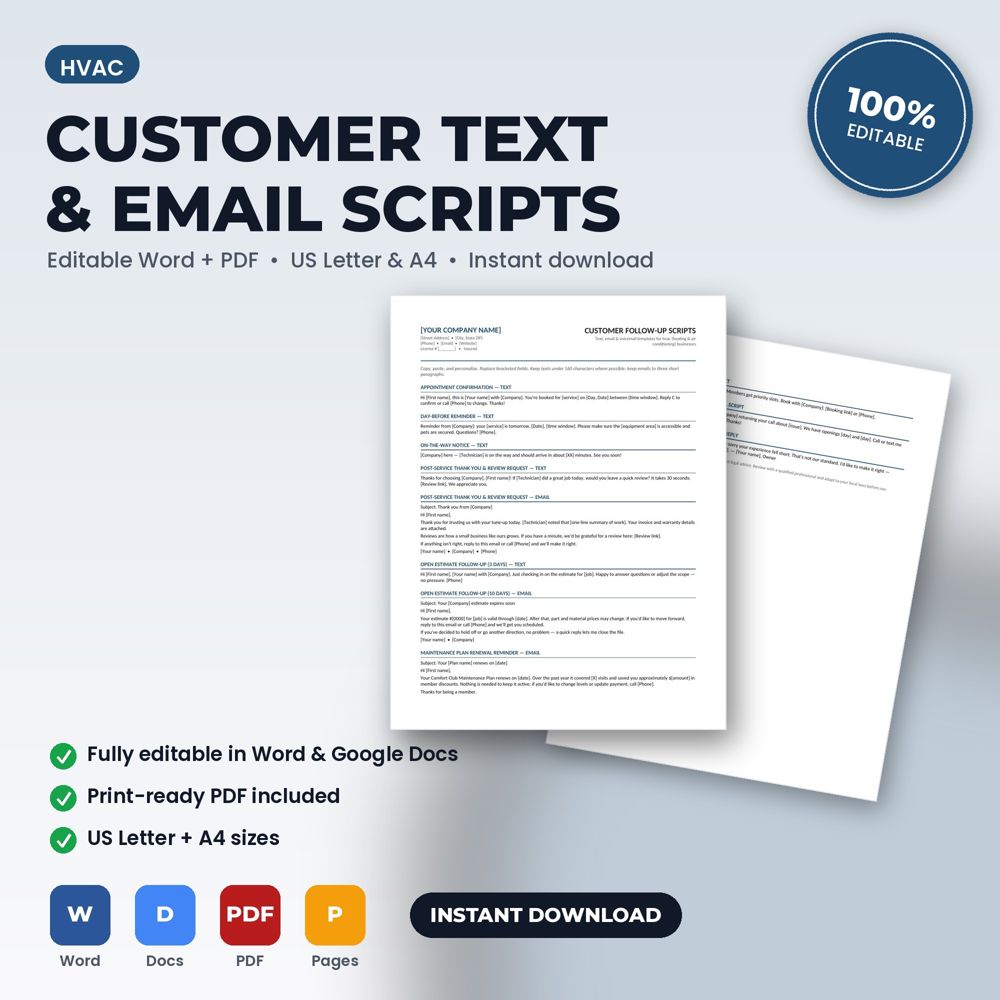
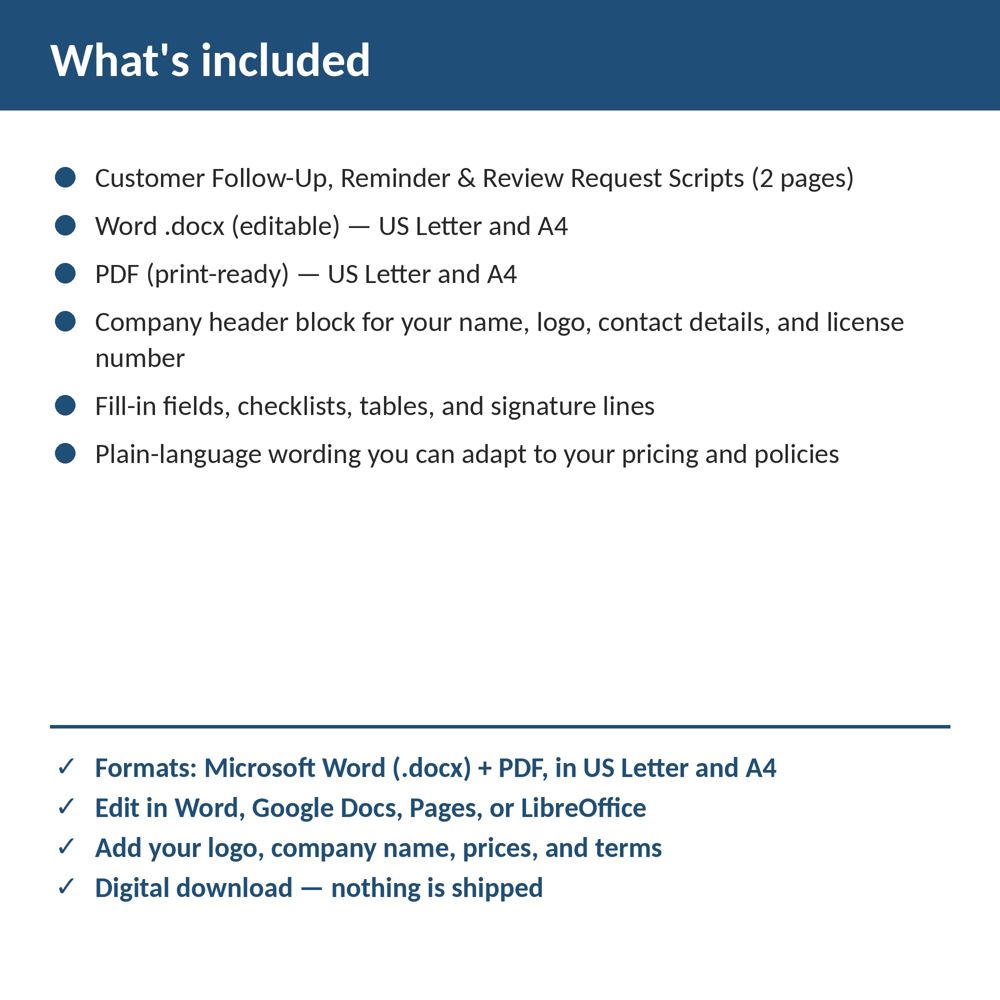
This template gives you 13 copy-and-paste text, email, and voicemail scripts: confirmations, reminders, on-the-way notices, review requests, estimate follow-ups, plan renewals, and a negative-review reply. Open it in Word or Google Docs, replace the bracketed placeholders with your company name, logo, prices, and terms, and it's ready to use on your next job.
Follow-up is where referrals, reviews and repeat business come from, and it is the first thing that stops happening when the schedule gets busy. Scripts make it a two-minute task instead of a creative one, so it happens every time.
Consistent messaging also builds brand. When every customer receives the same friendly confirmation, the same on-the-way text and the same review request, the business feels organized and trustworthy.
Prefer to see it first? The preview above shows every page of the template in 13 seconds. You can also watch it on the TradeDocsStudio YouTube channel, where every template has a preview video.
What is inside the template
- Appointment confirmation and reminder messages (text and email versions)
- On-the-way and running-late notices
- Post-job thank-you and warranty summary
- Review request sequence with timing guidance
- Seasonal maintenance reminder and plan renewal messages
- Payment reminder sequence from friendly to firm
- Placeholders for names, dates, links and company details
How to use it (step by step)
- Replace the placeholders with your company name, review link and phone number.
- Load the messages into your phone's text templates, your email client or your CRM.
- Follow the timing guide: confirmation at booking, reminder the day before, review request within 48 hours of completion.
- Review response rates monthly and adjust wording.
Common mistakes this template helps you avoid
- Asking for a review a week later instead of within 48 hours.
- Sending payment reminders that are either too soft to work or too harsh for a first reminder.
- Using a corporate tone that does not match how you speak in person.
Expert tips from the field
- Personalize one line per message (the technician's name, the equipment serviced); it doubles response.
- Include the direct review link, never 'search for us on Google'.
- Track which message generates the most reviews and use that one everywhere.
Why HVAC contractors choose this over a generic template
Generic forms are written for nobody in particular. This one was written for HVAC, heating and cooling businesses: the fields, wording and clauses reflect real hvac work such as a no-cool call on a 12-year-old split system or a furnace tune-up before the first freeze. It uses plain language customers can read, it has a header block for your logo and license number, and it matches the other HVAC templates in the set so your intake, estimate, invoice and agreement documents look like one system.
Explore the full HVAC template collection and paperwork guide, or see how it fits with the related documents below.