What this forms bundle does for locksmiths and security installers
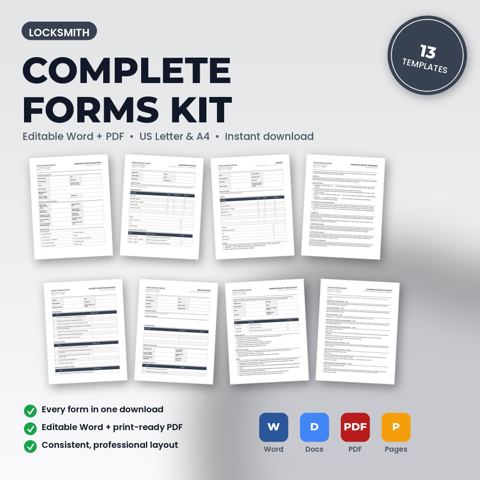
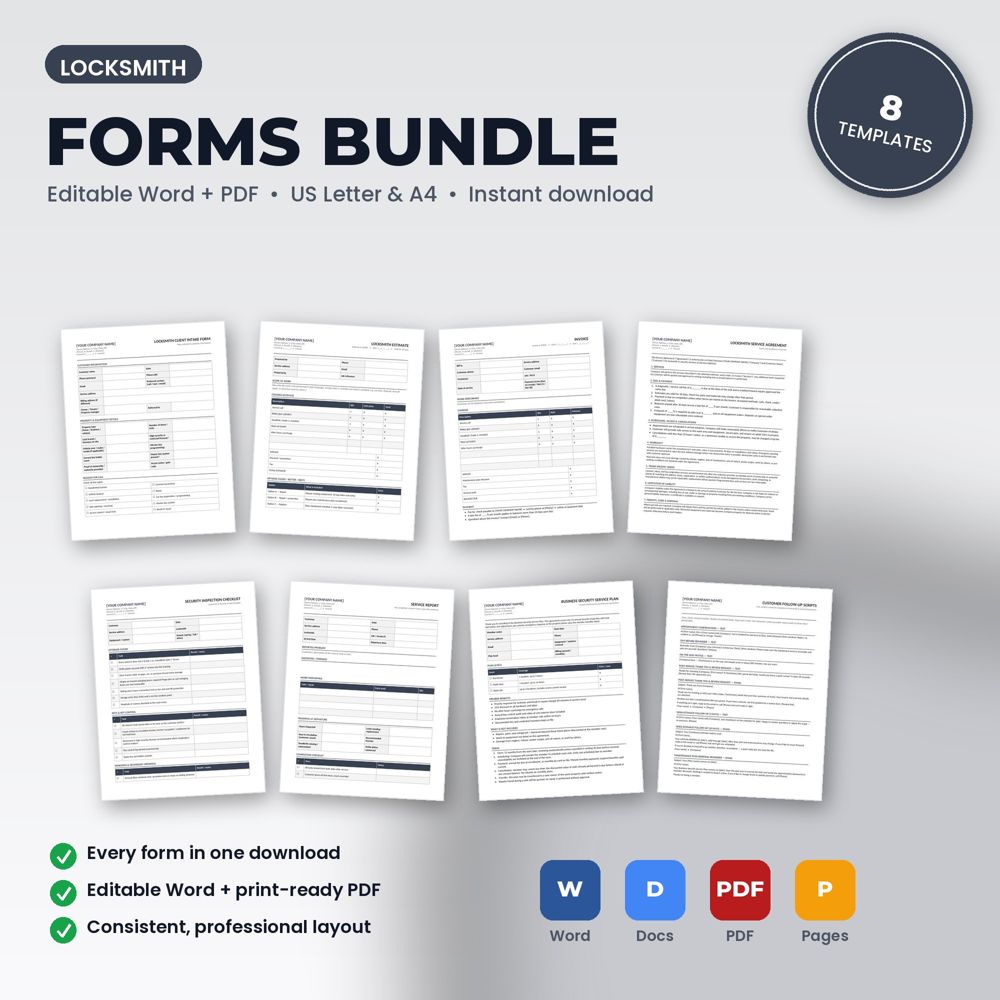
8 editable Word + PDF templates for locksmiths, mobile locksmith businesses, and security hardware installers, in one download.
Bought separately these templates cost $69.92. The bundle is $34.99.
Buying the full set means every document shares the same header, wording and numbering, so the customer experience is consistent from the first call to the review request. It also removes the most common failure: buying an invoice template and never getting around to the agreement that would have protected you.
For a new business, the bundle is a complete paperwork system in one download. For an established one, it is a fast way to replace a patchwork of forms with a matched set.
Templates included
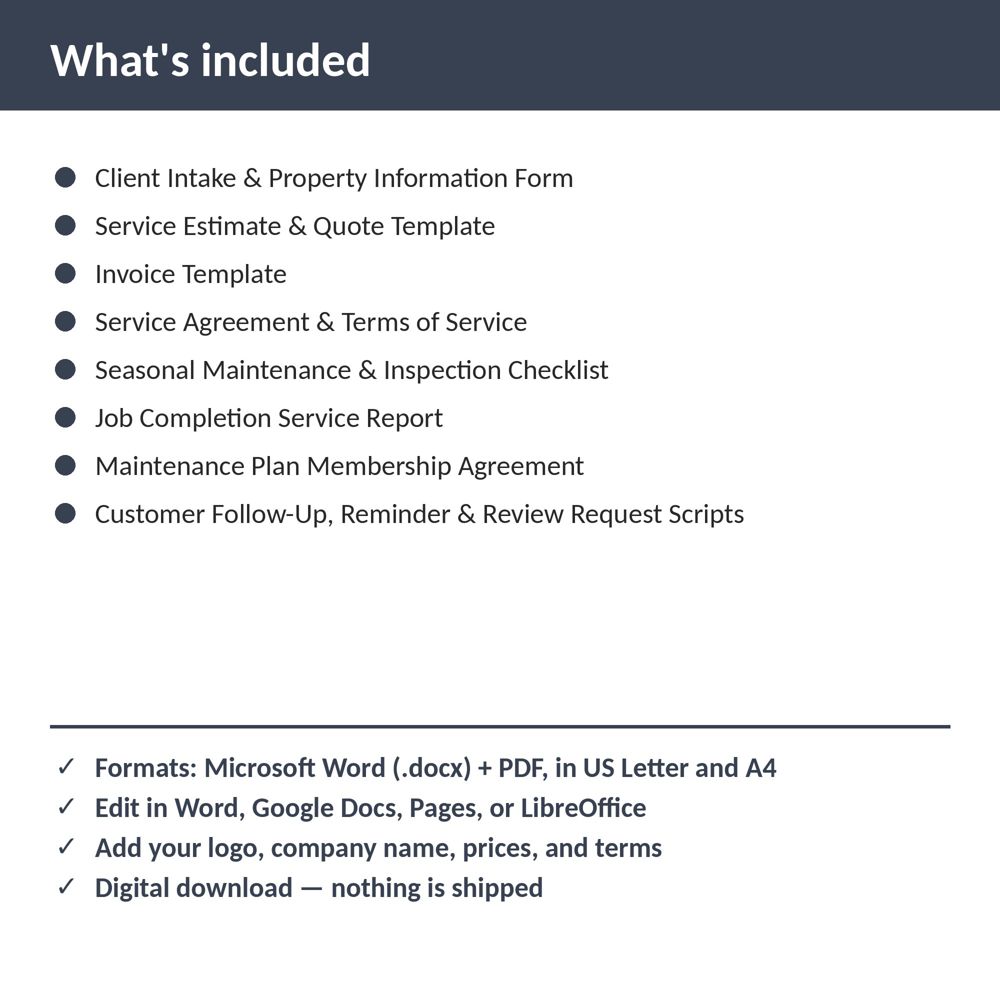
- Client Intake & Property Information Form
- Service Estimate & Quote Template
- Invoice Template
- Service Agreement & Terms of Service
- Seasonal Maintenance & Inspection Checklist
- Job Completion Service Report
- Maintenance Plan Membership Agreement
- Customer Follow-Up, Reminder & Review Request Scripts
What is inside the template
- Every Locksmith template in the set, each as editable .docx and print-ready PDF, in US Letter and A4
- Matching headers and styles across all documents
- Quick-start README with editing instructions and license
How to use it (step by step)
- Unzip the download and open the README.
- Set up the header on one document, then copy it to the others (or use find-and-replace across files).
- Save master copies in a shared folder and print or fill from there.
Common mistakes this template helps you avoid
- Editing the originals instead of saving masters, then losing the placeholders.
- Rolling out every form on the same day; introduce two or three per week so the team adopts them.
Expert tips from the field
- Number your documents (intake, estimate, invoice) with the same job number; the bundle makes that easy.
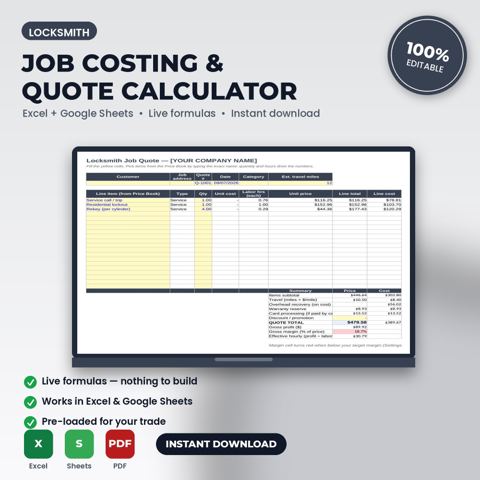
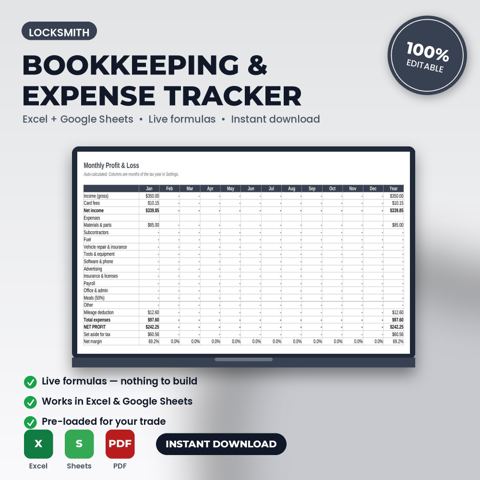
- Add the job-costing and bookkeeping spreadsheets to complete the system.
Why locksmiths and security installers choose this over a generic template
Generic forms are written for nobody in particular. This one was written for locksmith and security-hardware businesses: the fields, wording and clauses reflect real locksmith work such as a residential lockout at 2 am or a commercial rekey after an employee leaves. It uses plain language customers can read, it has a header block for your logo and license number, and it matches the other Locksmith templates in the set so your intake, estimate, invoice and agreement documents look like one system.
Explore the full Locksmith template collection and paperwork guide, or see how it fits with the related documents below.