What this service report does for pest control operators
An editable Word + PDF template built for pest control operators and exterminators.
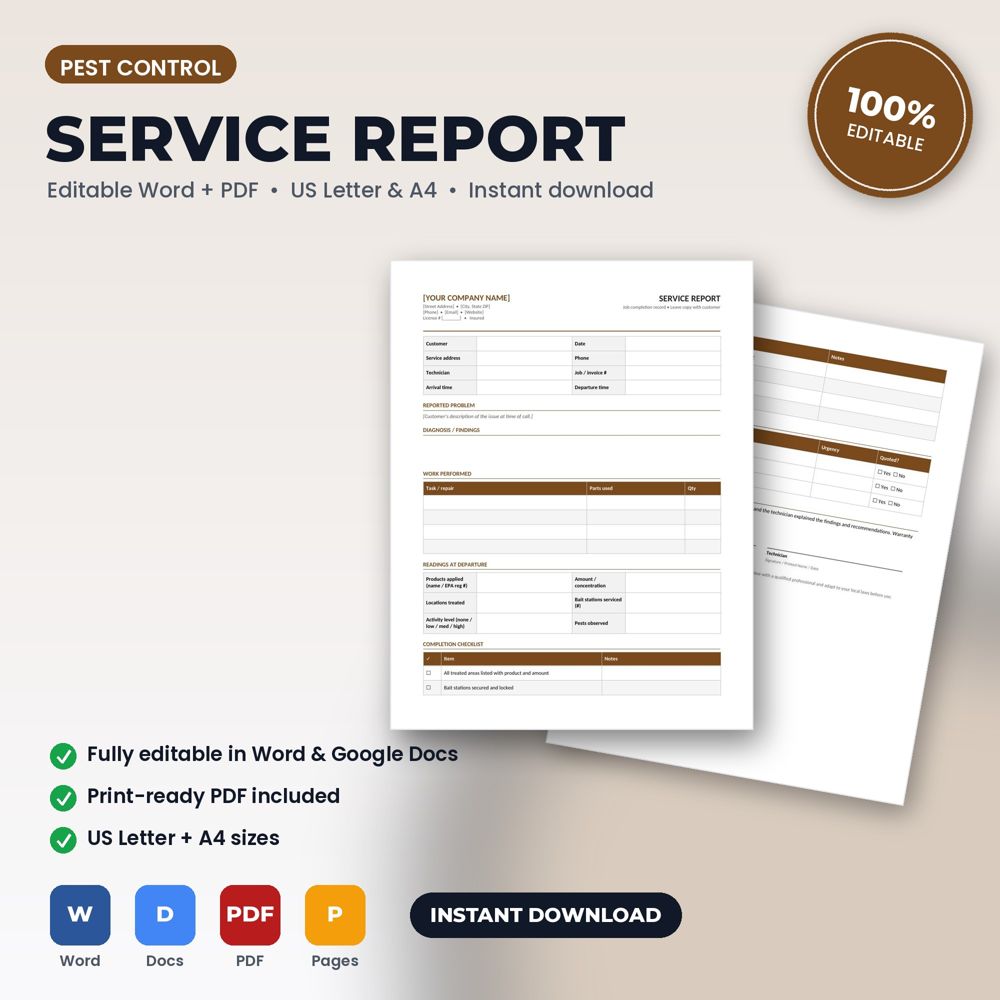
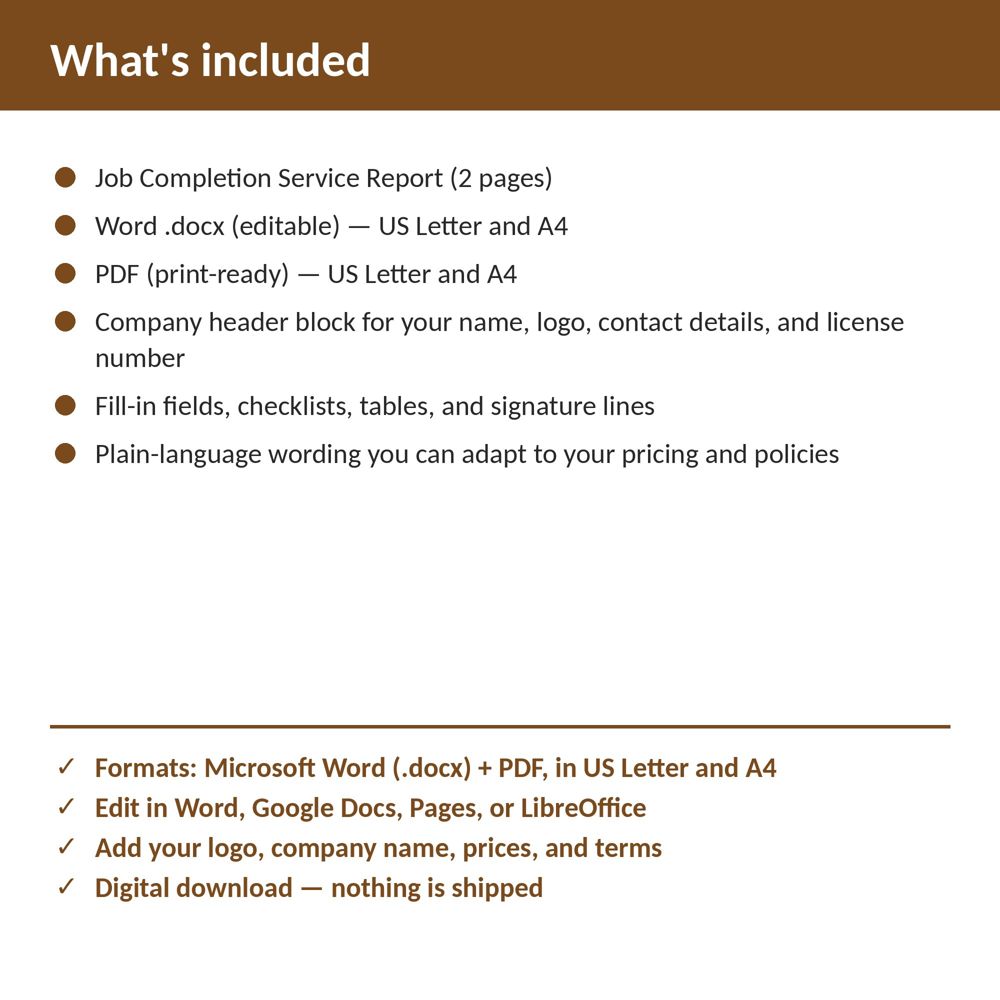
This template records the reported problem, diagnosis, work performed and parts used, departure readings, a completion checklist, recommended follow-ups, and customer sign-off. Open it in Word or Google Docs, replace the bracketed placeholders with your company name, logo, prices, and terms, and it's ready to use on your next job.
The completion report closes the job. It tells the office what to invoice, tells the customer what was done and creates the history the next technician needs. It is also the record that ends warranty disputes: the report shows what was checked, what was replaced and what the customer was told.
Signed completion reports also speed up payment, because the invoice arrives with proof of work attached.
What is inside the template
- Header block, job number, customer and site details
- Work-performed description with checkboxes for common Pest Control tasks
- Parts and materials used table
- Readings, test results or before/after status
- Recommendations and follow-up actions with priority
- Time on site, technician name and customer acknowledgment signature
How to use it (step by step)
- Complete it on site before leaving, not from memory later.
- Walk the customer through the findings and obtain a signature.
- Send a copy with the invoice and attach it to the job record.
- Use the recommendations section to schedule follow-up or maintenance-plan conversations.
Common mistakes this template helps you avoid
- Writing 'repaired unit' instead of listing what was actually done.
- Leaving without the customer's signature, especially on warranty work.
- Not recording recommendations, which means lost future revenue.
Expert tips from the field
- Add a 'condition of remaining equipment' line; it sets up replacement conversations honestly.
- Photograph the finished work and reference the photos on the report.
- Review reports weekly for recurring problems by technician or equipment type.
Why pest control operators choose this over a generic template
Generic forms are written for nobody in particular. This one was written for pest control and extermination companies: the fields, wording and clauses reflect real pest control work such as a quarterly general pest treatment or a termite inspection with a written report. It uses plain language customers can read, it has a header block for your logo and license number, and it matches the other Pest Control templates in the set so your intake, estimate, invoice and agreement documents look like one system.
Explore the full Pest Control template collection and paperwork guide, or see how it fits with the related documents below.