What this bookkeeping & p&l tracker does for pool service professionals
An Excel / Google Sheets tool built for pool service and pool cleaning businesses.
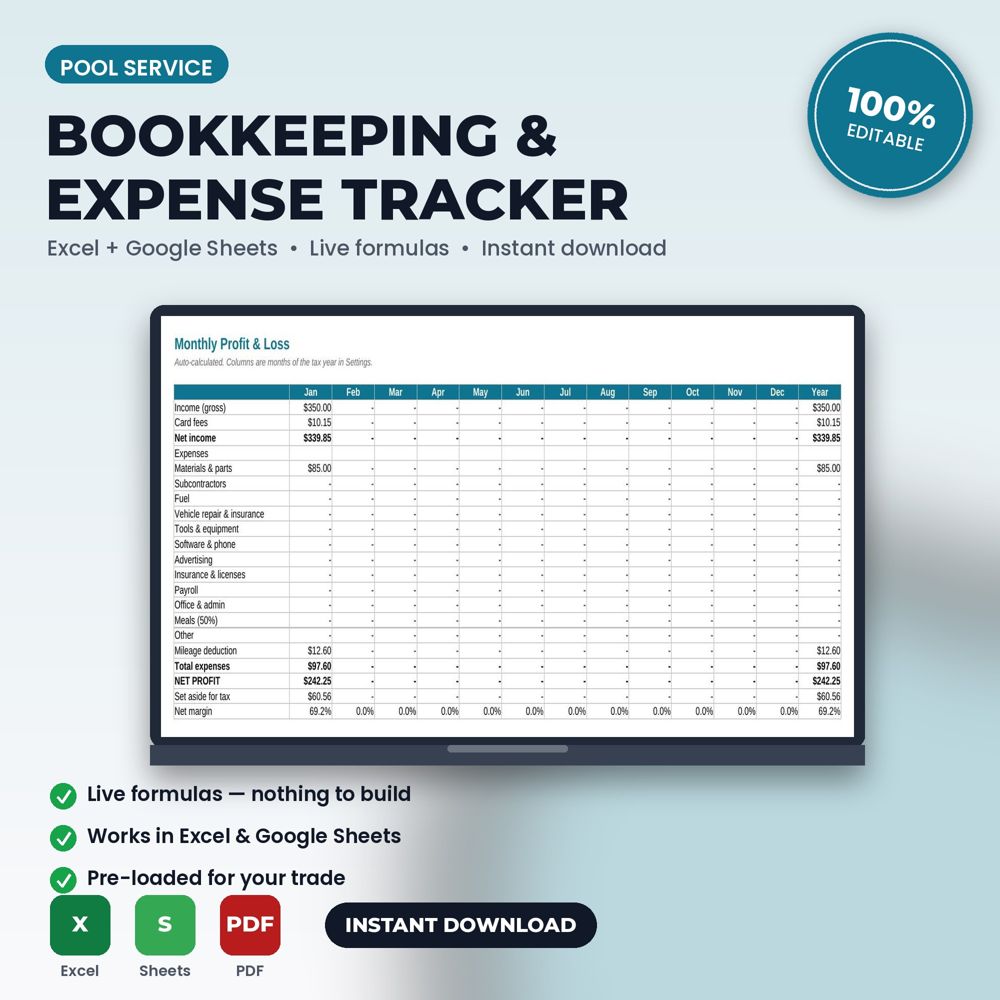
This spreadsheet keeps a small service business tax-ready: log income with card fees and net received, log expenses by an editable category list, track mileage with the automatic standard deduction, and get a monthly profit & loss plus a year-end tax summary tab your accountant can use directly.
Small service businesses fail on cash, not on work. A bookkeeping workbook designed for pool service professionals makes it easy to record every invoice, expense and mile as it happens, and then shows monthly profit without any formulas to write. At tax time, the summary tab is what your accountant needs.
It also reveals patterns: which months are thin, which expense categories creep, how much of revenue is plan income versus one-time work.
What is inside the template
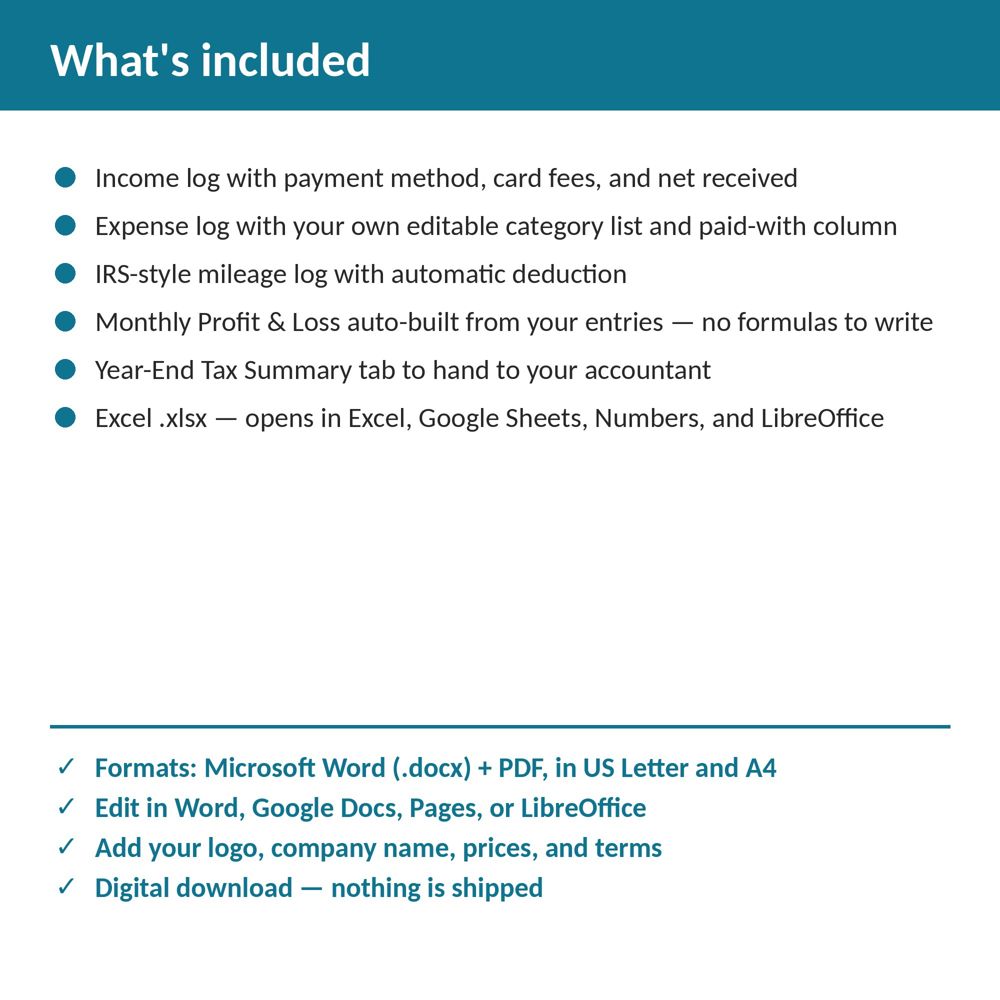
- Income log with payment method, card fees and net received
- Expense log with an editable category list and paid-with column
- IRS-style mileage log with automatic deduction calculation
- Monthly P&L built automatically from entries
- Year-End Tax Summary tab for your accountant
- No macros; works in Excel, Google Sheets, Numbers and LibreOffice
How to use it (step by step)
- Edit the category list to match your chart of accounts.
- Enter income when you invoice or when you are paid (pick one method and keep it).
- Log expenses weekly from receipts and bank statements; log mileage daily.
- Review the P&L on the first of every month; send the tax summary to your accountant at year end.
Common mistakes this template helps you avoid
- Recording income only when paid and expenses only when remembered, which produces a P&L that means nothing.
- Skipping mileage; for mobile businesses it is often the largest deduction.
- Mixing personal and business expenses in the log.
Expert tips from the field
- Add a 'plan revenue' category so recurring income is visible separately.
- Reconcile the income log against bank deposits monthly; discrepancies are usually unpaid invoices.
- Keep the workbook in cloud storage so the office and owner see the same file.
Why pool service professionals choose this over a generic template
Generic forms are written for nobody in particular. This one was written for pool service and pool maintenance companies: the fields, wording and clauses reflect real pool service work such as a weekly chemical and cleaning route stop or a variable-speed pump replacement. It uses plain language customers can read, it has a header block for your logo and license number, and it matches the other Pool Service templates in the set so your intake, estimate, invoice and agreement documents look like one system.
Explore the full Pool Service template collection and paperwork guide, or see how it fits with the related documents below.