What this invoice does for locksmiths and security installers
An editable Word + PDF template built for locksmiths, mobile locksmith businesses, and security hardware installers.
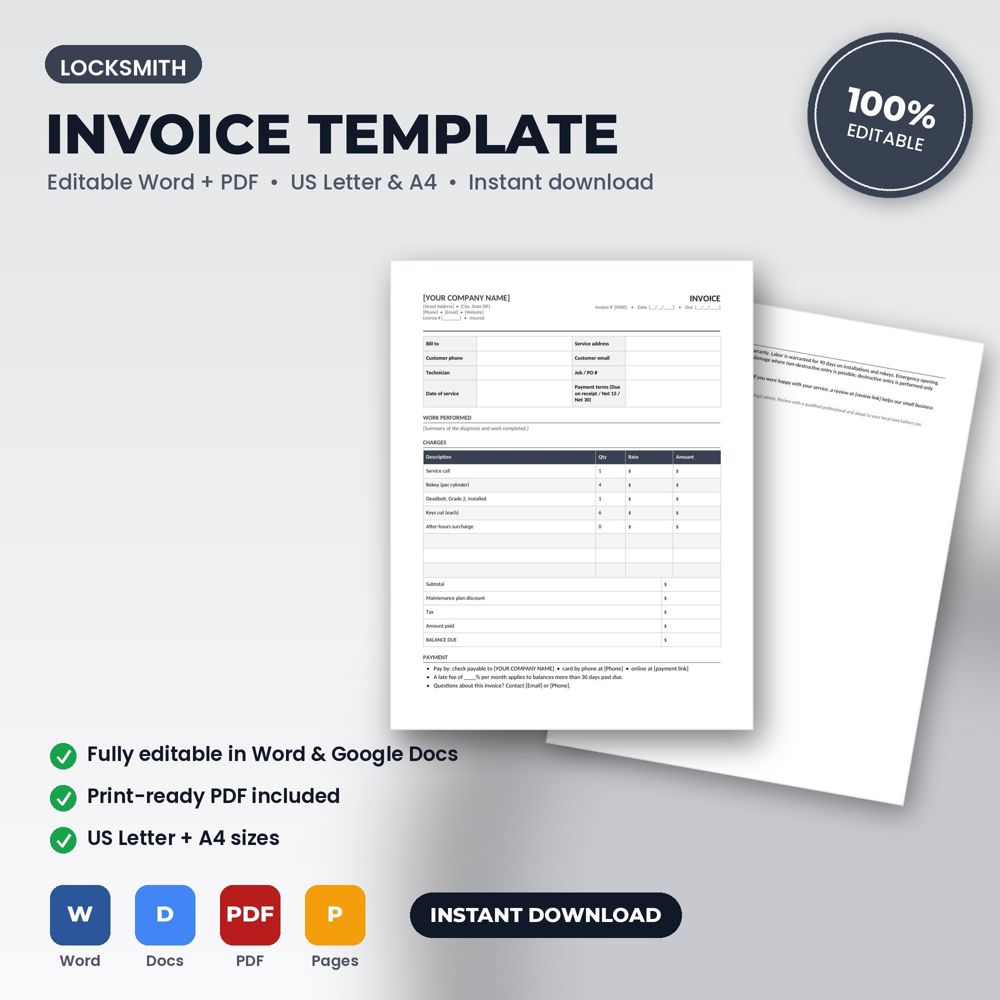
This template bills the job with itemized charges, discounts, tax, amount paid and balance due, payment instructions, late-fee wording, warranty, and a review request line. Open it in Word or Google Docs, replace the bracketed placeholders with your name, logo, prices, and terms, and it's ready to use.
The invoice is the document most customers keep and the one accountants, insurers and tax preparers ask for. A clean, itemized, branded invoice gets paid faster than a handwritten one, and an invoice that references a signed estimate is rarely disputed.
It is also a reputation document. A professional invoice signals a professional business, which supports higher prices and referrals.
What is inside the template
- Header block with company details, license number, invoice number and date
- Bill-to and service-address sections
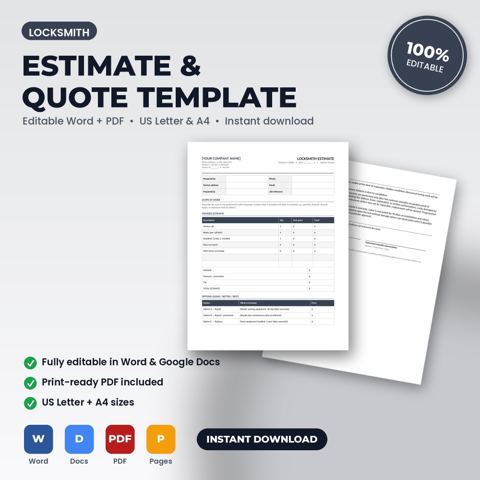
- Itemized table for labor, materials, permits and other charges
- Subtotal, tax, discount, deposit received and balance due
- Payment terms, due date, accepted payment methods and late-fee statement
- Warranty note and thank-you / review request line
How to use it (step by step)
- Set your master copy with header, payment methods and default terms (due on receipt, net 7 or net 14).
- Copy line items from the signed estimate; add approved extras as separate lines.
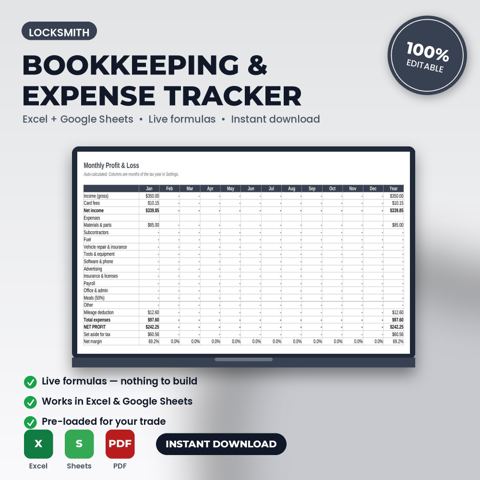
- Number invoices sequentially and record them in your bookkeeping workbook.
- Send the same day as the job; follow up with the payment reminder script if unpaid at the due date.
Common mistakes this template helps you avoid
- Sending invoices days or weeks later; payment speed tracks invoice speed.
- Omitting the due date and late-fee terms and then trying to enforce them.
- Combining several jobs on one invoice, which makes partial payment and disputes more likely.
Expert tips from the field
- Add a one-line summary of the warranty on every invoice; it reduces callbacks and reassures customers.
- Put the review request on the invoice itself. It is the moment of highest satisfaction.
- Match invoice numbers to estimate numbers so the office can find both in seconds.
Why locksmiths and security installers choose this over a generic template
Generic forms are written for nobody in particular. This one was written for locksmith and security-hardware businesses: the fields, wording and clauses reflect real locksmith work such as a residential lockout at 2 am or a commercial rekey after an employee leaves. It uses plain language customers can read, it has a header block for your logo and license number, and it matches the other Locksmith templates in the set so your intake, estimate, invoice and agreement documents look like one system.
Explore the full Locksmith template collection and paperwork guide, or see how it fits with the related documents below.